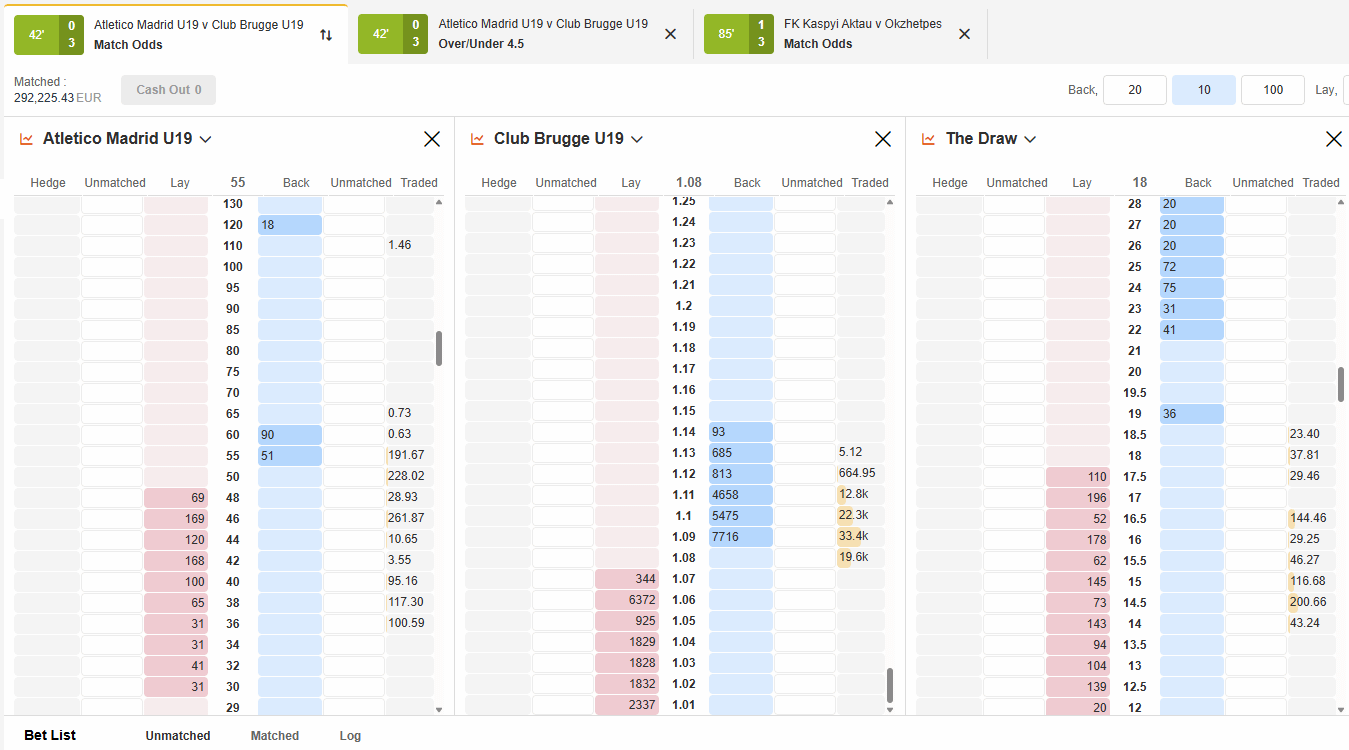
OrbitX software is the interface used to view exchange markets, compare back and lay prices, submit orders and monitor matched exposure. A careful workflow is more important than screen speed: confirm the market, price, stake, liability and matched status at every step. Available controls can change, so the signed-in dashboard remains the current reference.
Native OrbitX interface versus third-party tools
This guide covers the native OrbitX interface reached through the current account route. Orbit Exchange, also called OrbitX, is the product. Orbit Broker is an official Orbit Exchange partner providing guidance and support; it does not operate the exchange, process account funds or hold the product licence.
A separate desktop or web trading tool is a third-party product, even when it displays the same market as a ladder. Confirm its availability, connection, cost and functions with its owner and current provider instructions. This article does not attribute third-party functions to the native interface.
Market screen and order workflow
- Select event and market. Match Odds, goals and correct-score markets settle different questions; read the name and rules.
- Confirm the selection and side. Back supports an outcome; lay opposes it. Displayed prices are proposals, not guaranteed execution.
- Open the ticket. Enter the stake and recheck the price. Back risk is normally the stake; lay liability is normally (odds − 1) × lay stake.
- Submit once and inspect status. Only the matched portion creates the displayed position.
A ladder arranges prices vertically but does not promise that displayed amounts will remain. Review nearby prices, projected profit and loss, and liability without letting speed determine position size.
Matched status, exposure and safe checks
Fully matched means the requested amount was accepted at the execution in the order record. Partly matched leaves a remainder waiting; unmatched found no counterparty. Cancelling normally removes only the unmatched remainder, not an existing position.
An opposing order is not automatically a close: a different price or stake can leave uneven outcomes. Check the market-level position and final records. In-play markets may be delayed or suspended. Do not click repeatedly while waiting; refresh status and exposure first to avoid duplicate instructions.
Limits, disclosure and editorial record
The signed-in dashboard and current terms are definitive for controls, devices, rules, delays, fees, eligibility and tool availability. Orbit Broker can explain the workflow but cannot alter provider controls or guarantee matching.
Commercial disclosure: Orbit Broker is an official Orbit Exchange partner and may benefit when an eligible user requests access through its route. See the current Orbit Exchange software pillar for the maintained overview.
18+ only. Betting involves risk and losses are possible. Follow local law and use only funds you can afford to lose.
Editorial record: Published ; substantively reviewed and last verified . Author and reviewer: Orbit Broker Editorial Team. Sources: owner-confirmed partner roles and the observed product workflow; verify changeable details in the current dashboard and provider terms.
Related Articles

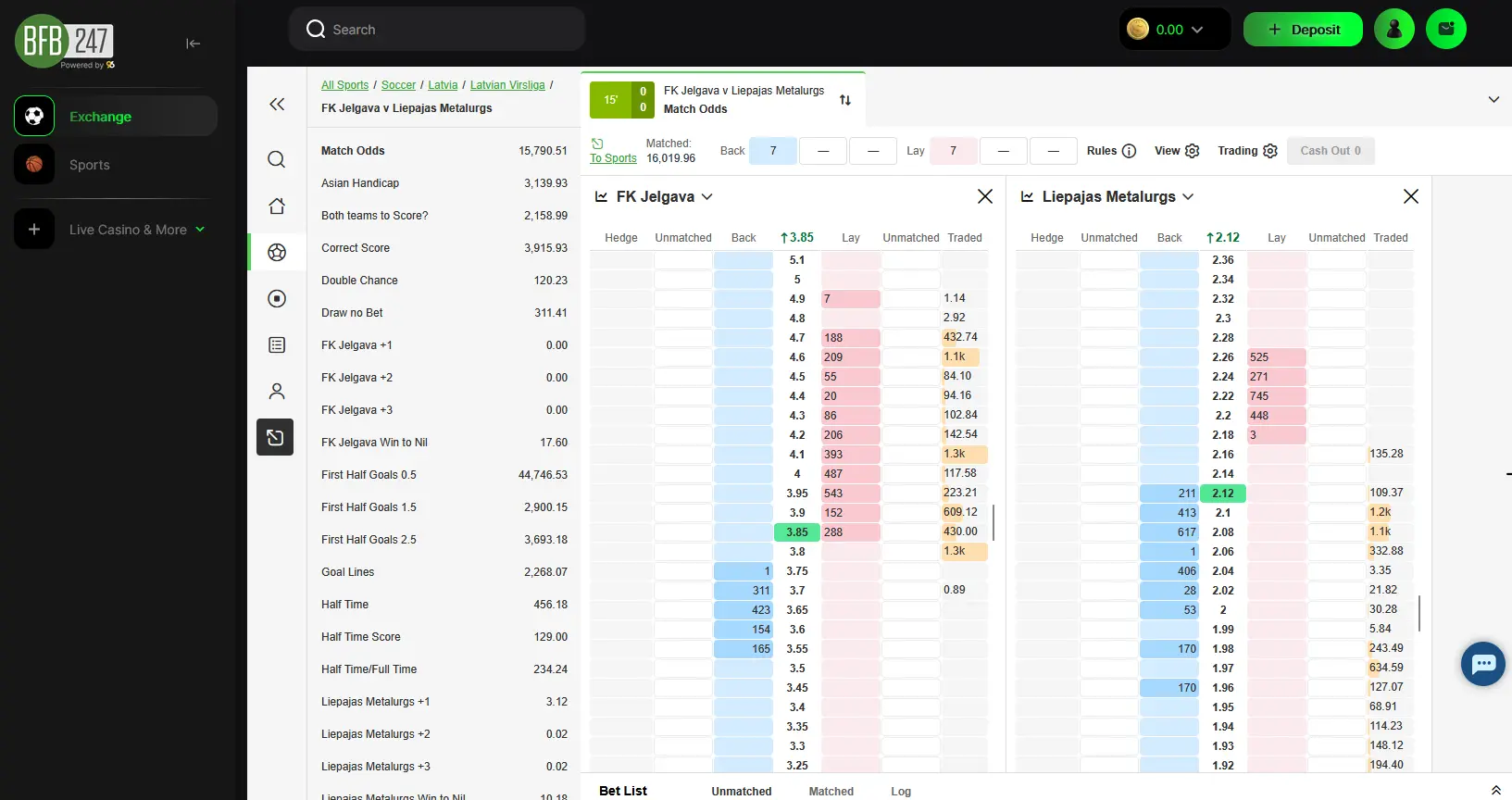

Ready to bet on Orbit Exchange?
Create your Orbit Exchange account today through BFB247-96EX and access the world of betting exchanges. Join thousands of bettors and exchange users who already enjoy competitive odds, free professional software, low commission and multilingual support in 6 languages. Registration takes just a few minutes.