01
Step 1 – Open Account
Choose your username, enter your email address and password, then click on Register to create your account.


Official Orbit Partner Registration
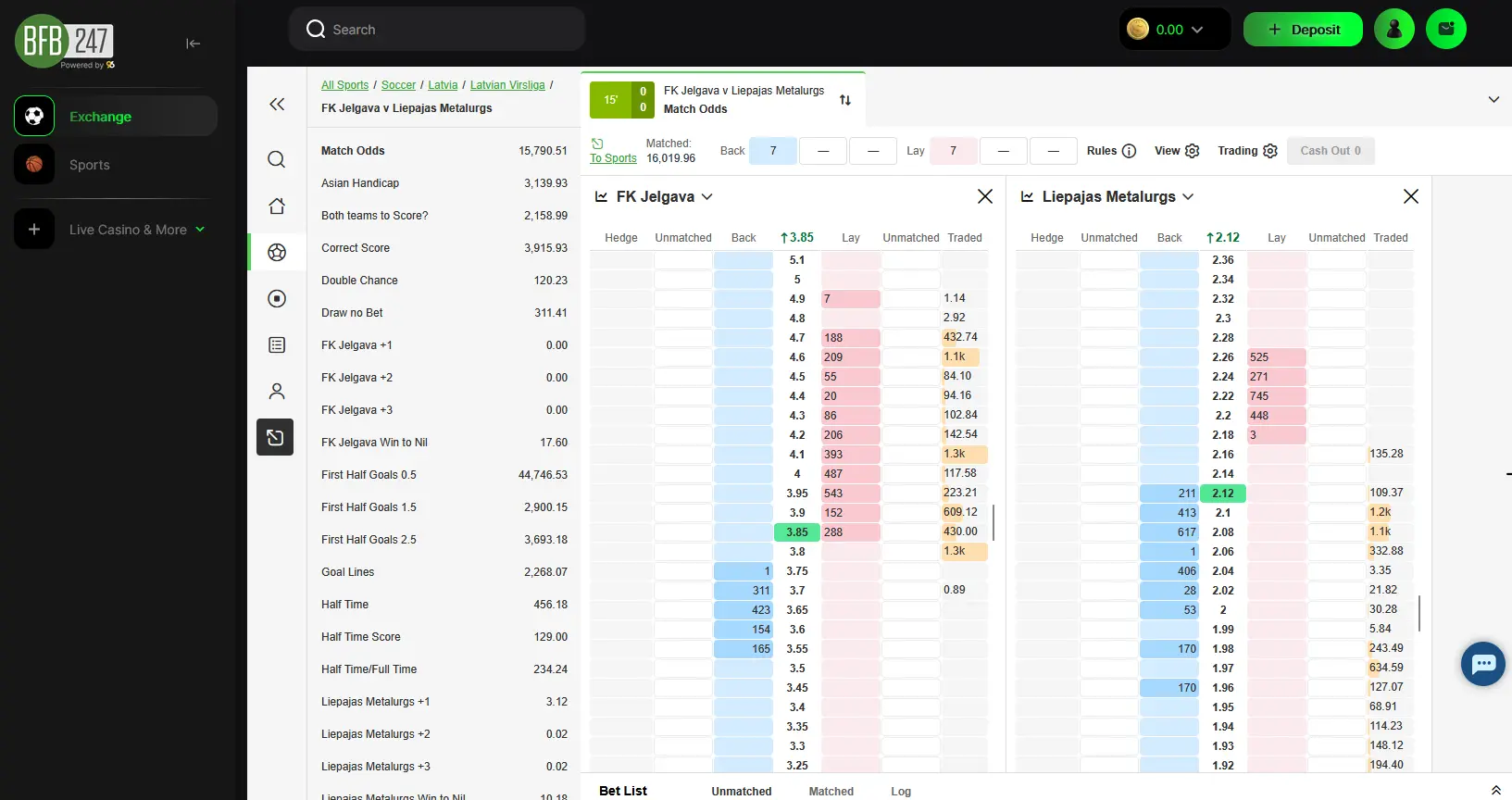
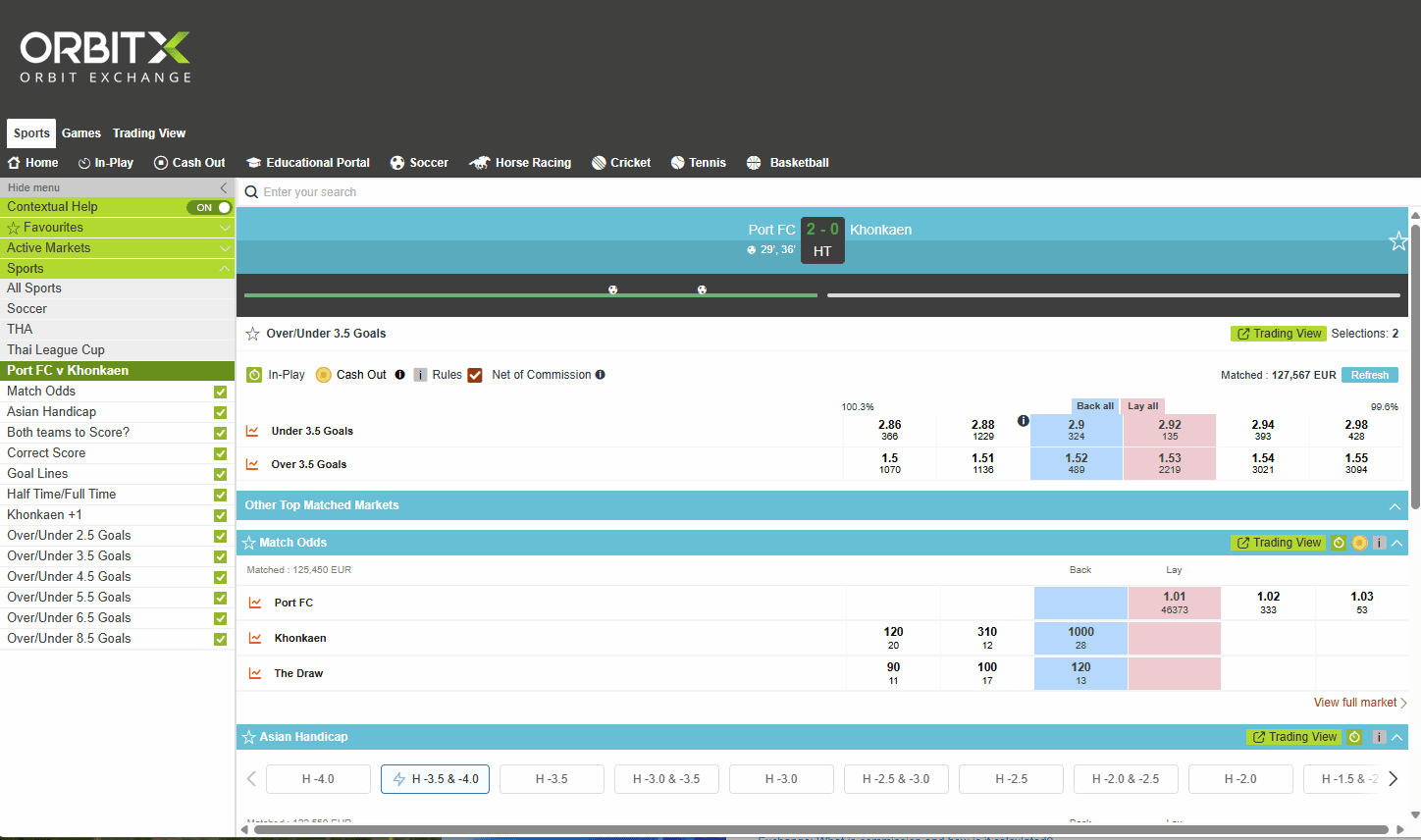
BFB247-96EX manages your registration and wallet. Once your account is funded, you can use and bet on the OrbitX betting exchange from the BFB247 dashboard.
Minimum deposit €10 · Withdrawals from €10 · Processing up to 24 hours
Registrations are available internationally.
Choose your username, enter your email address and password, then click on Register to create your account.
Check your email, insert the verification code and confirm your account.
Check your spam folder
If the verification email is not in your inbox, check spam or junk immediately.

If you use a VPN because access is restricted in your location, disconnect it before signing in to an external wallet such as Skrill or Neteller. Reconnect only if the restriction still applies when you return to OrbitX.
Available payment methods:

KYC verification is automatic and applies to every user who registers through the official Orbit Broker link. No identity document, no proof-of-address document and no manual approval are required. Only email or code confirmation is mandatory, and this is separate from documental KYC.

Click the Exchange button on your dashboard to open the Orbit Exchange betting platform.
Most users can access OrbitX without a VPN. Use one only if access is restricted in your location; if needed, connect to Denmark or Norway.

Video Tutorial
Watch the complete step-by-step tutorial to create your account and start betting on Orbit Exchange.
BFB247-96EX
One account, full access to all BFB247-96EX products.
Access the Orbit Exchange betting exchange with professional betting software included for free.
Full sportsbook with live video streaming, pre-match and in-play markets across all major sports.
Premium live casino experience with table games, roulette, blackjack, baccarat and more.
Hundreds of slot games from top providers with progressive jackpots and bonus features.
Register, fund your wallet and access OrbitX through the official partner route.
Open Your BFB247-96EX Account